
Image Correction
The THG Start IR192 thermal camera supports two image correction modes, allowing users to flexibly choose based on actual usage scenarios.
Auto Correction (Recommended to enable)
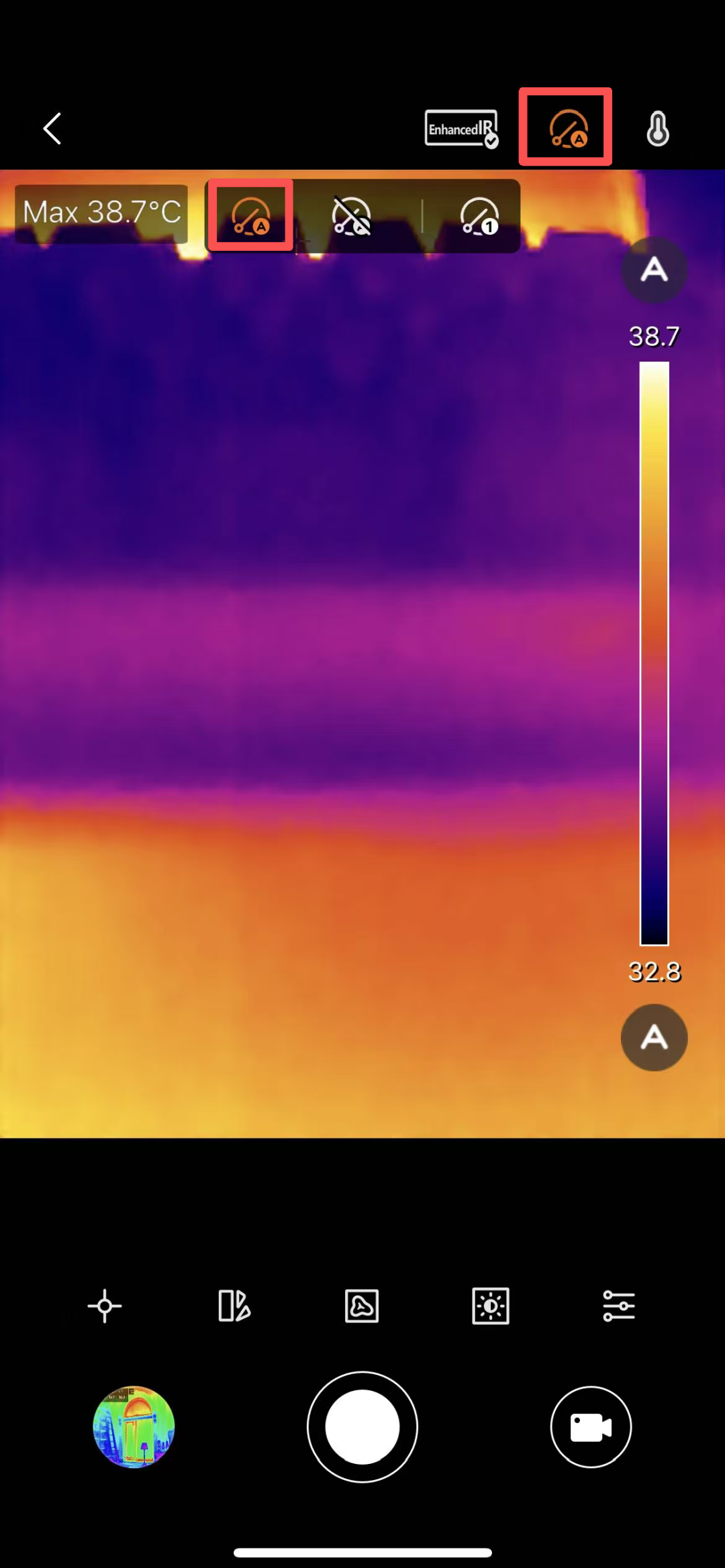
In auto correction mode, the thermal camera automatically performs image calibration according to its internal preset program, without manual intervention.
Operation Steps
Plug the THG Start IR192 thermal camera into your device, open the THG Start APP, and enter the live preview interface.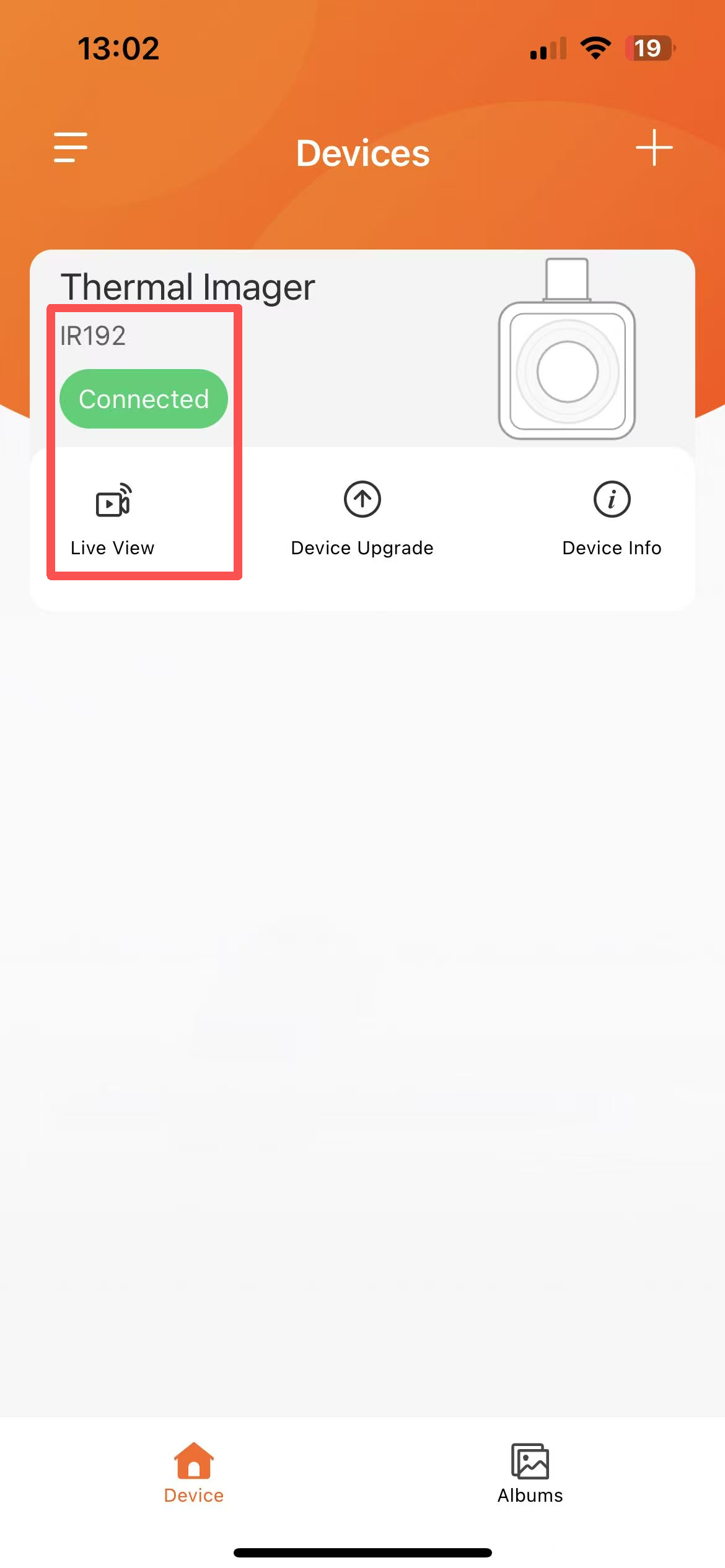
Tap the Auto Correction icon on the interface.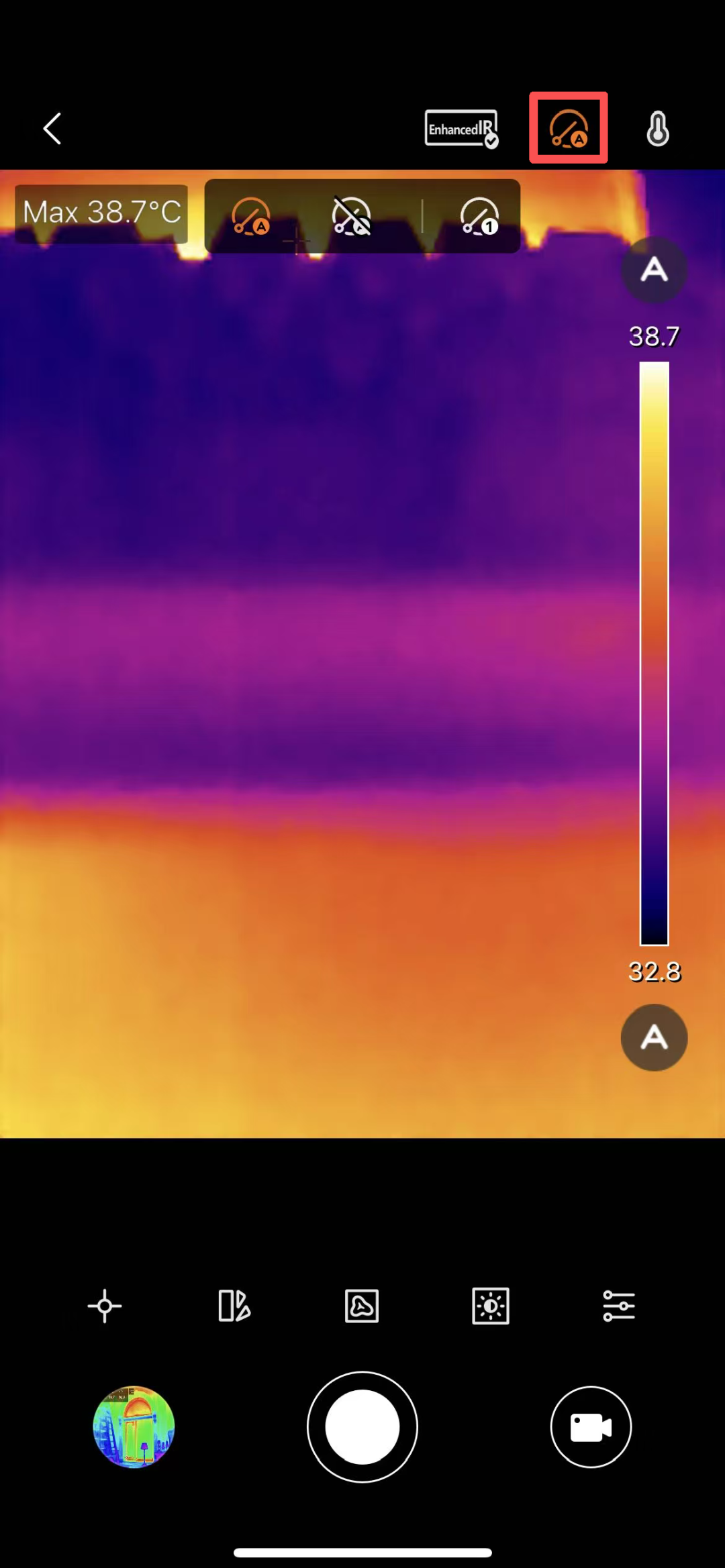 When the icon becomes highlighted or shows as enabled, auto correction is turned on.
Manual Correction
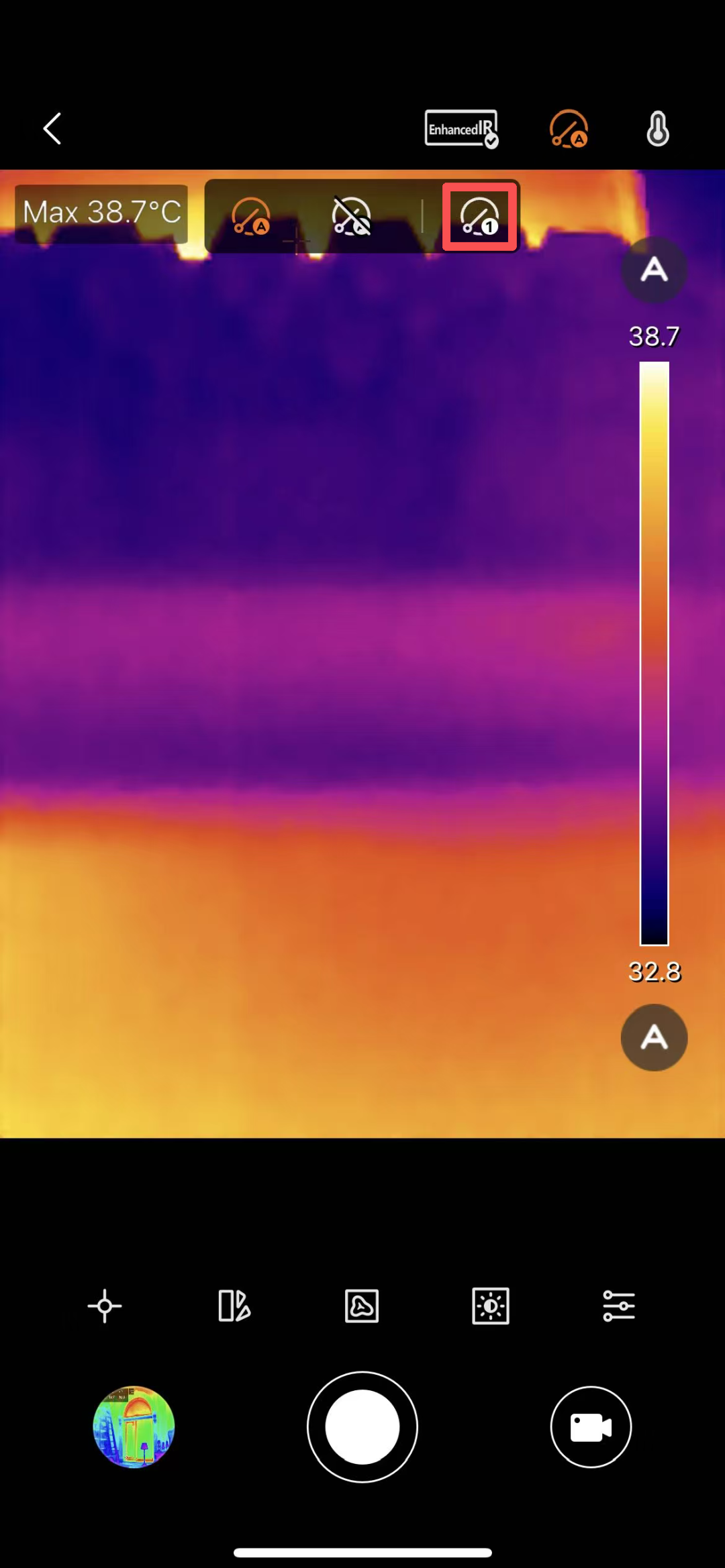
Users can manually trigger an image correction at any time as needed.
Operation Steps
In the live preview interface, tap the Manual Correction icon.
The device will immediately perform one image calibration; the image will freeze briefly and then return to normal.
If you need to disable auto correction, simply tap the Disable Correction button.
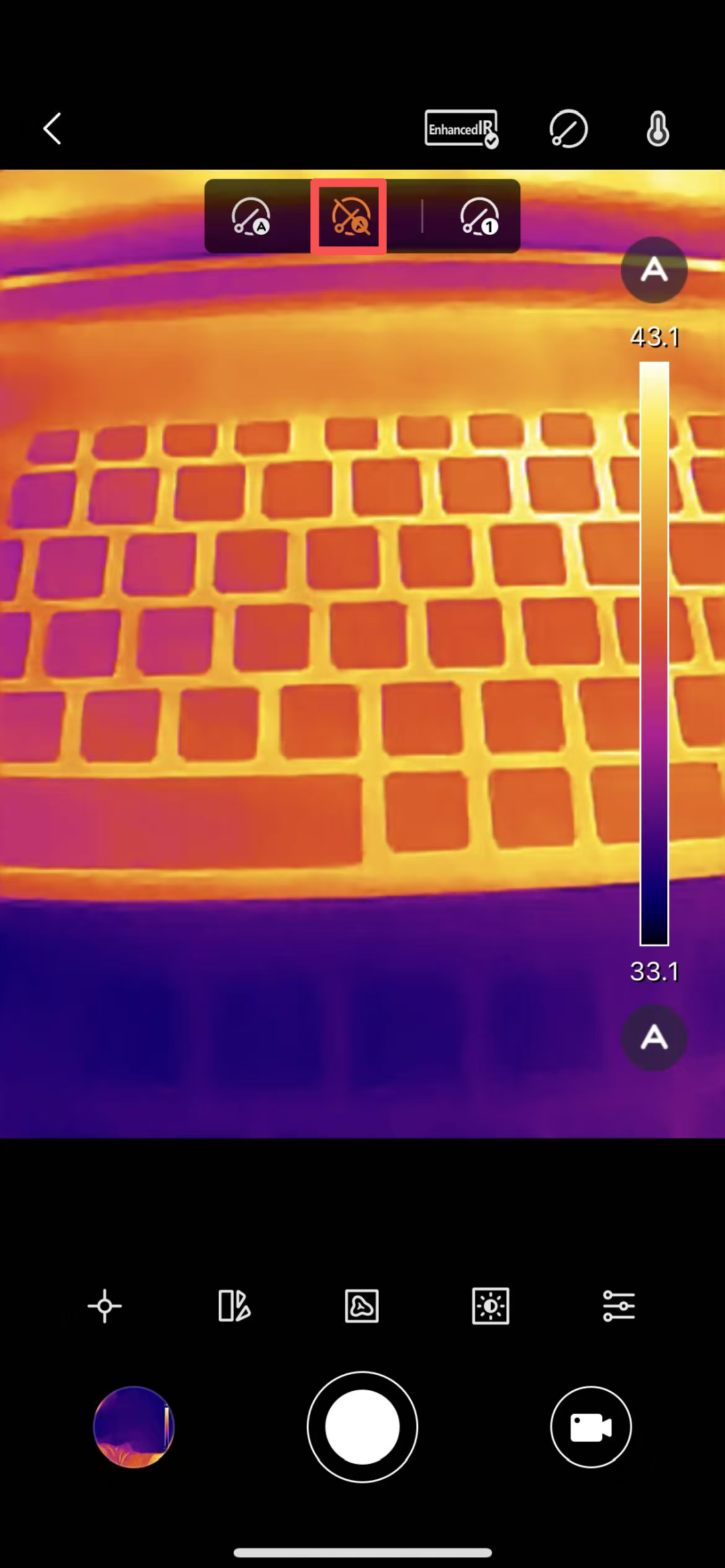
Note: After disabling auto calibration, manual calibration can still be performed.