
THG Start is the dedicated APP for the THGStart mild thermal imaging device, designed to help you get the most out of the hardware. Here’s a guide to downloading and installing THGStart:
Method 1: Scan the product QR code to download (Recommended)
(1).jpg?w=1200&h=750)
1. Open your phone's Camera app or the Scan feature in WeChat/Alipay, and point it at the QR code.
2. After scanning, the page will automatically redirect to the download link. Click “Install” or “Download locally.”
3. Wait for the APK file to finish downloading. Once downloaded, click “Install.”
Note: If your system shows a “Blocked installation of unknown apps” alert, click Trust or go to Settings > Security & Privacy > More Security Settings, and allow installation from this browser.
Method 2: Search and download from the App Store (iOS)
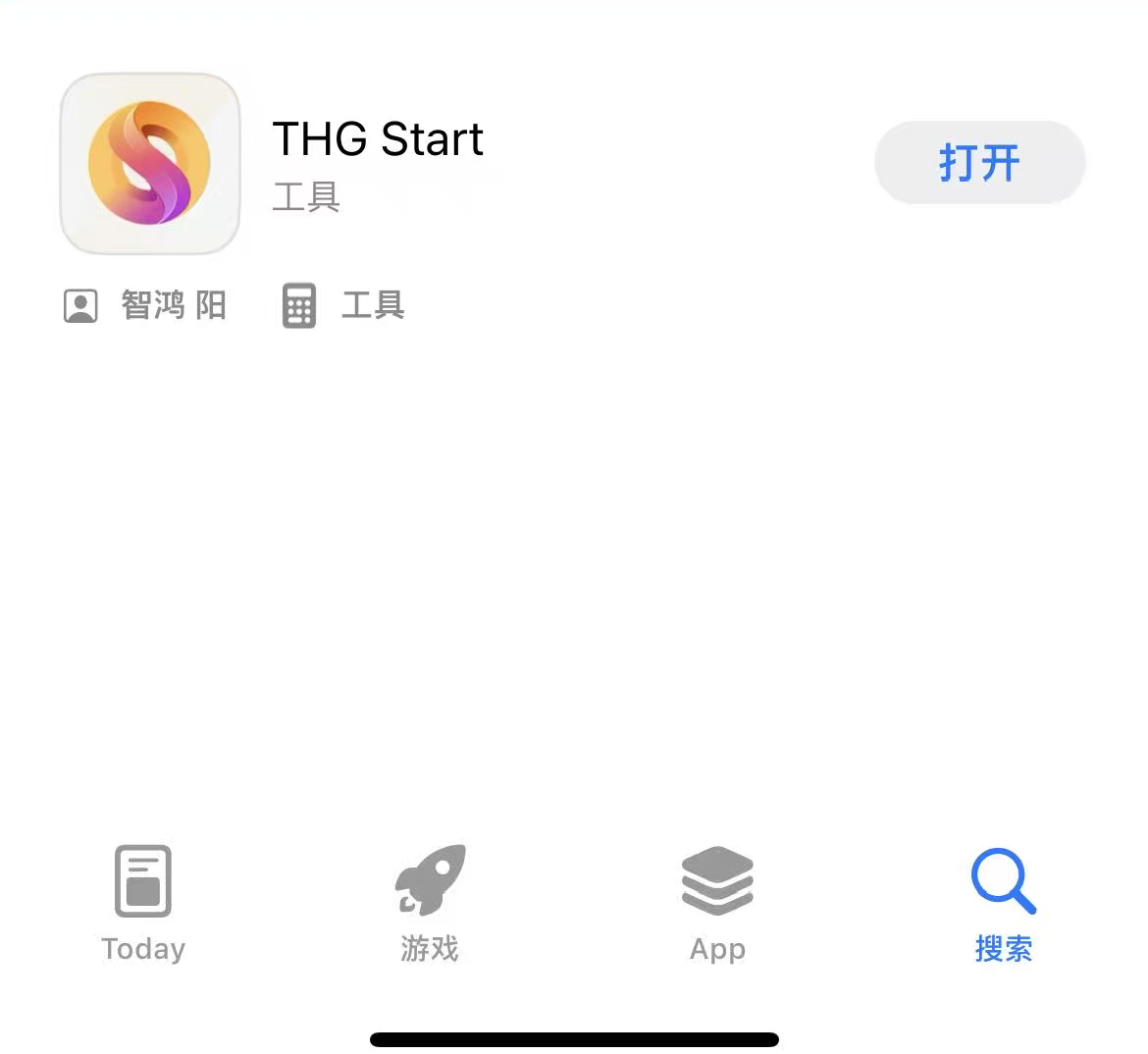
1. Open your phone's App Store.
2. Enter “THG Start” in the search bar, click “Get,” and wait for it to download and install automatically.